Space · point · release
Your shortcut. Your brushes. Right there.
Hold Space in Sculpt Mode and the wheel opens under your cursor. Move toward a brush and release to select without leaving the viewport.
Blender sculpting add-on / v1.0.010
Sculpt-Wheel turns your sculpting toolkit into a fast, configurable radial workflow, so your hands stay on the model and your ideas keep moving.
 Fast accessOpen the wheel instantly
 Practical controlKeep brushes close
 Custom layoutsBuild your own flow
 Blender nativeMade for sculpt mode



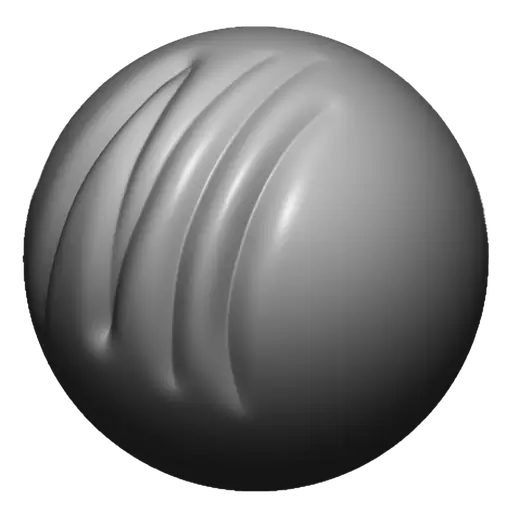
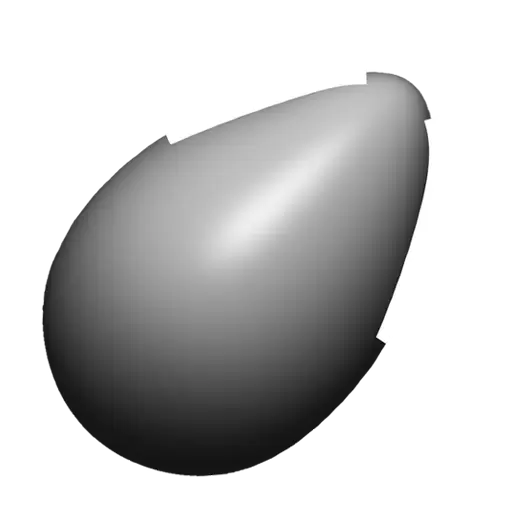
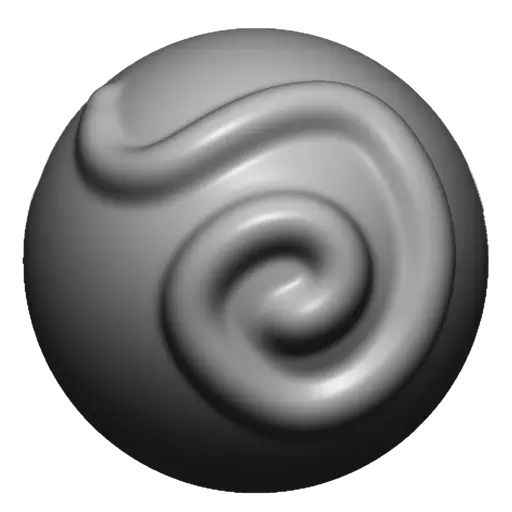 ClayDraw SharpClay BuildupMoveBlobInflateCreaseStandard
See Sculpt-Wheel in the environment you already know: a familiar Blender viewport with the radial brush workflow ready under Spacebar.
 Blender 5.0
 Sculpt Mode ▾ViewSelectAddMeshFace Sets◉ ◉ ◉
 DrawSize 100 pxStrength 0.500Brush ▾Texture ▾Stroke ▾Falloff ▾Cursor ▾

Fast brush access, visual layout control, grouped variants, and Blender-native selection in one focused workflow.
Space · point · release
Hold Space in Sculpt Mode and the wheel opens under your cursor. Move toward a brush and release to select without leaving the viewport.
More options · same slot
Group up to three optional variants beneath one main brush and reach specialized tools from the same familiar direction.
Save · switch · sculpt
Save your wheel layouts as persistent presets and switch between them without rebuilding your brush setup.
Bring your own brushes
Bring brushes from an external Blender brush library into Sculpt-Wheel, place them in your preferred slots, and keep every favorite one gesture away.
Drag · drop · sculpt
Design each preset around the way you sculpt. Search Blender's brush library, drag any brush into a main or sub-brush slot, reorder the wheel, and preview every change instantly. Fine-tune the layout, then save it as a reusable preset that stays ready for your next session.
Purchase Sculpt-Wheel from the provider you already use, then download the Blender add-on.
Three clear steps take Sculpt-Wheel from a downloaded ZIP to a licensed, Blender-native brush workflow.
In Blender 4.3 or newer, open Edit > Preferences > Get Extensions. Choose Install from Disk, select the Sculpt-Wheel ZIP without extracting it, then enable the add-on.
Superhive purchases activate automatically. For Gumroad or ArtStation, email your Machine Code, Order Number, and marketplace to sculpt-wheel@cgguides.com.
For Gumroad and ArtStation, paste the key we send you, press Activate, then open Sculpt Mode and press Space.
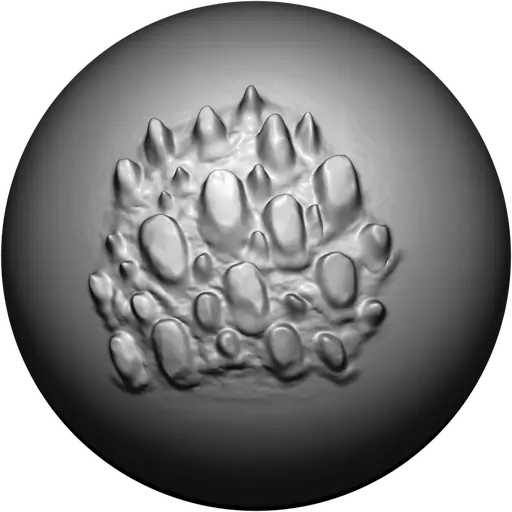
Curated brush packs for Sculpt-Wheel are coming next. Keep your favorite tools organized and drop every pack straight into your wheel.
Reliable everyday brushes for shaping, smoothing, inflating, and refining forms.
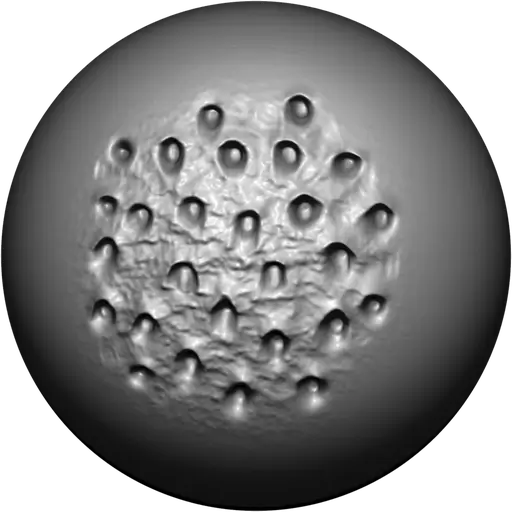
Coming soonFocused tools for pores, creases, sharp transitions, and controlled surface work.
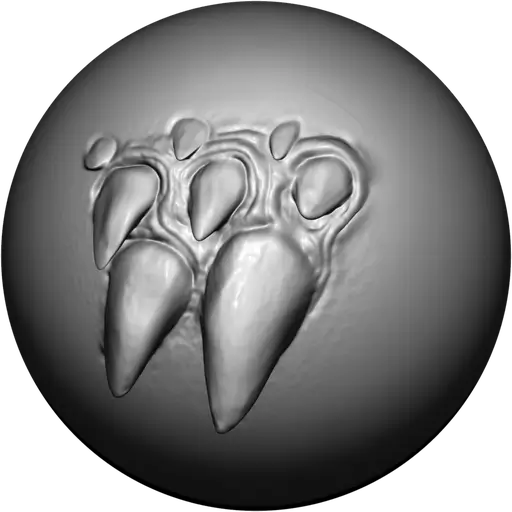
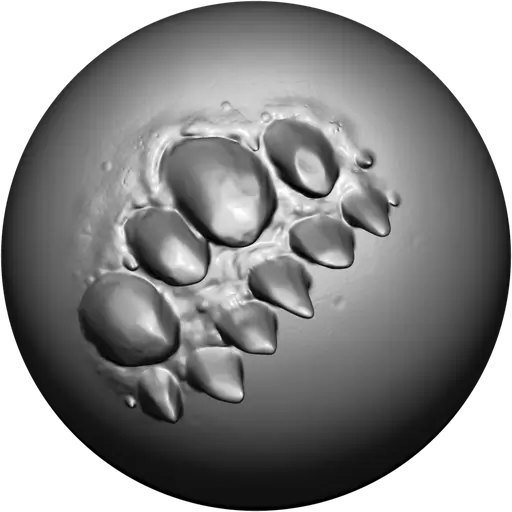
Coming soonSpecialized brush libraries built by artists and ready for your own wheel layout.
Coming soonQuestions about Sculpt-Wheel, brush libraries, licensing, or future releases? Send us a message and we’ll get back to you.
sculpt-wheel@cgguides.comThese terms describe how the Sculpt-Wheel Blender add-on, its presets, brush layouts, and supplied assets may be used after purchase.
The Sculpt-Wheel add-on source code is licensed under the GNU GPL-3.0-or-later. Nothing in these commercial terms limits the rights granted by that license to use, study, modify, copy, or redistribute GPL-covered source code. Purchase and activation provide access to the packaged product, supplied assets, updates, and support according to their applicable licenses and store terms.
You may use the add-on, radial wheel layouts, presets, and activation key for personal and commercial artwork, client work, and production projects.
You may use your own imported brushes and future Sculpt-Wheel brush packs inside the add-on. Supplied icons, presets, and other assets may have separate license terms stated in the package documentation; do not extract or redistribute them as a standalone asset pack unless their applicable license permits it.
Activation is tied to the license information supplied with your order. Do not share activation keys or use one activation to provide access to other users. GPL rights for the add-on source code remain unaffected.
Do not use a purchased activation key to provide access to other users or resell the commercial activation, support, or update service. The GPL-covered source code may be modified, copied, and redistributed as permitted by the GNU GPL. Updates and Blender compatibility follow the release policy active when your order is placed.
Payments, downloads, refunds, and store delivery follow the store where you purchased Sculpt-Wheel. For licensing or order support, contact sculpt-wheel@cgguides.com.
 Detail